Overview
- EAC detects new versions of a job at deploy time and keeps all prior versions.
- You can run, compare, or roll back by selecting the desired version.
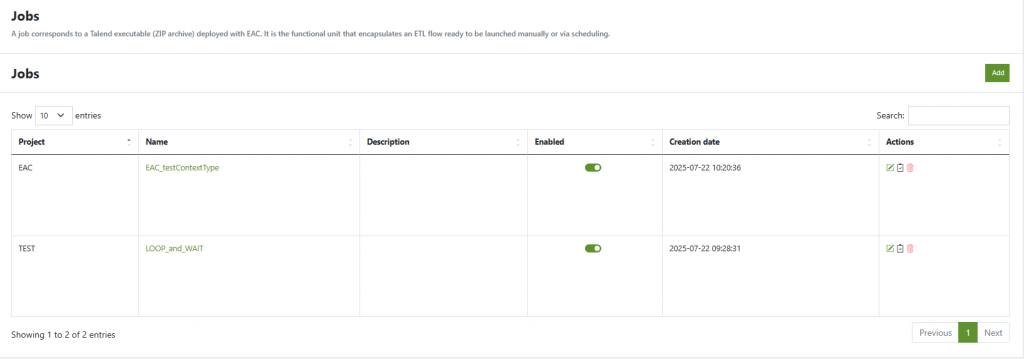
- Jobs list.
Access
- From a Job page, open the Versions tab.
- Click a version row to view its details.
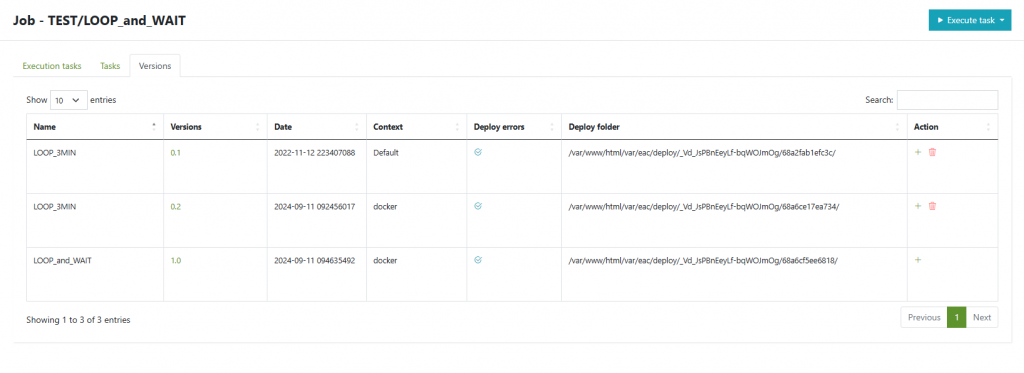
Versions table
- Name – Job name inside the artifact.
- Version – Semantic/Talend job version (e.g.,
0.1,0.2,1.0). - Date – Build/deploy timestamp.
- Context – Context used when the version was compiled/deployed (e.g.,
Prod,Test, Dev). - Deploy errors – Quick status (✓ when none).
- Deploy folder – Absolute path of the deployed payload on the server.
- Action –
- Add execution task for this version.
- Delete version.
Search, pagination, and column sorting are available.
Version detail
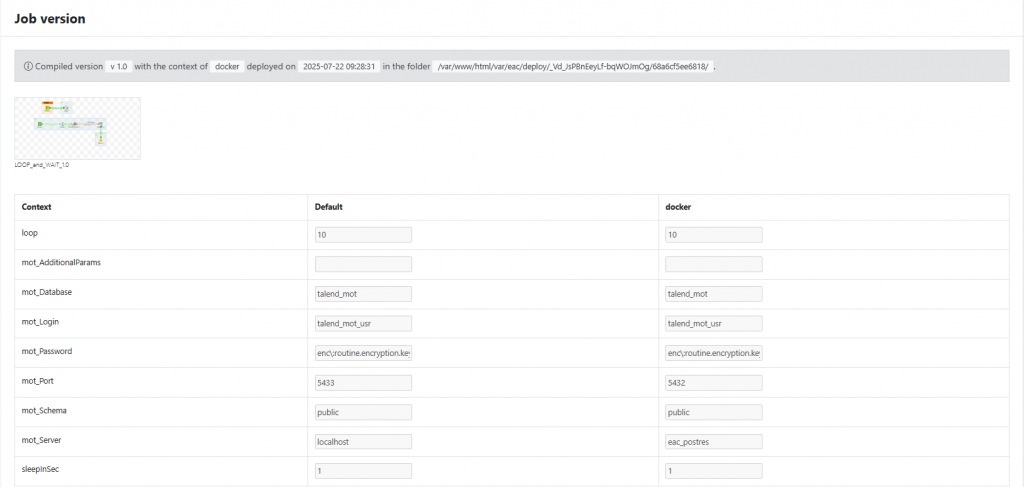
- Thumbnail/Screenshot of the job design (and subtasks if present).
- Compiled version banner: selected version, context, deploy time, and deploy folder.
- Context parameters matrix: values per context (columns like
Default,docker), including encrypted values where applicable.