
Every run produces logs you can inspect from the execution detail view. Logs can be stored in files or in the database (configurable in Settings → Task logs type).
- File backend: logs written under your log directory (see Settings → Local/Upload/Temp directories).
- DB backend: logs persisted in the application database.
- ETL logs (Talend): optional, pulled from your ETL logging database when enabled.
Tabs in the execution view
There are four log tabs. The first mixes EAC runtime output and the job’s console. The last three are sourced from your Talend/log4j logging (when ETL logs are enabled).
- Execution logs
Mixed stream of:- EAC scheduler/runtime messages (enqueue, script path, PID, status, warnings)
- Job STDOUT/STDERR (e.g.,
System.out.println(...),tLogRow, shell output)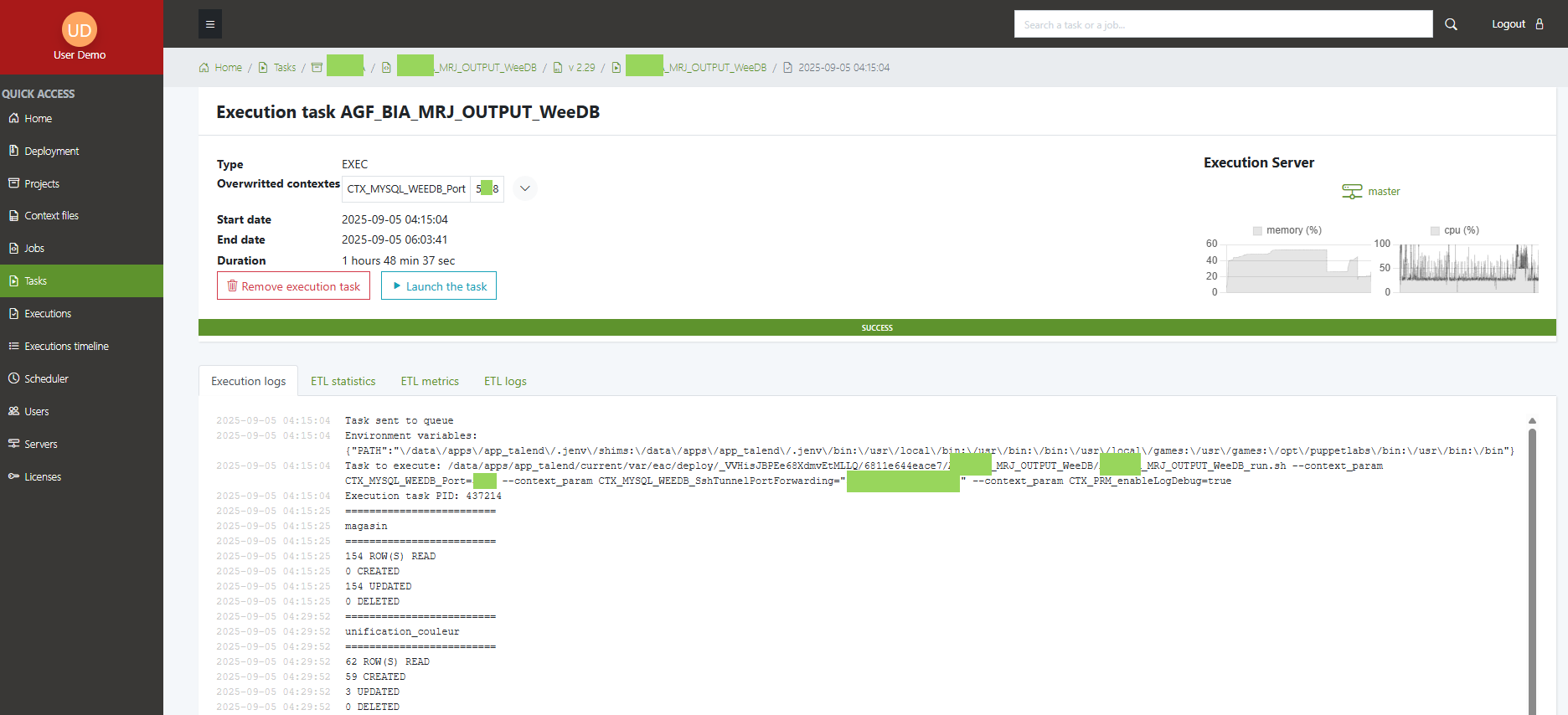
- ETL Logs (Talend log)
Structured application log lines emitted by your job (log4j). Useful to trace component messages and exceptions.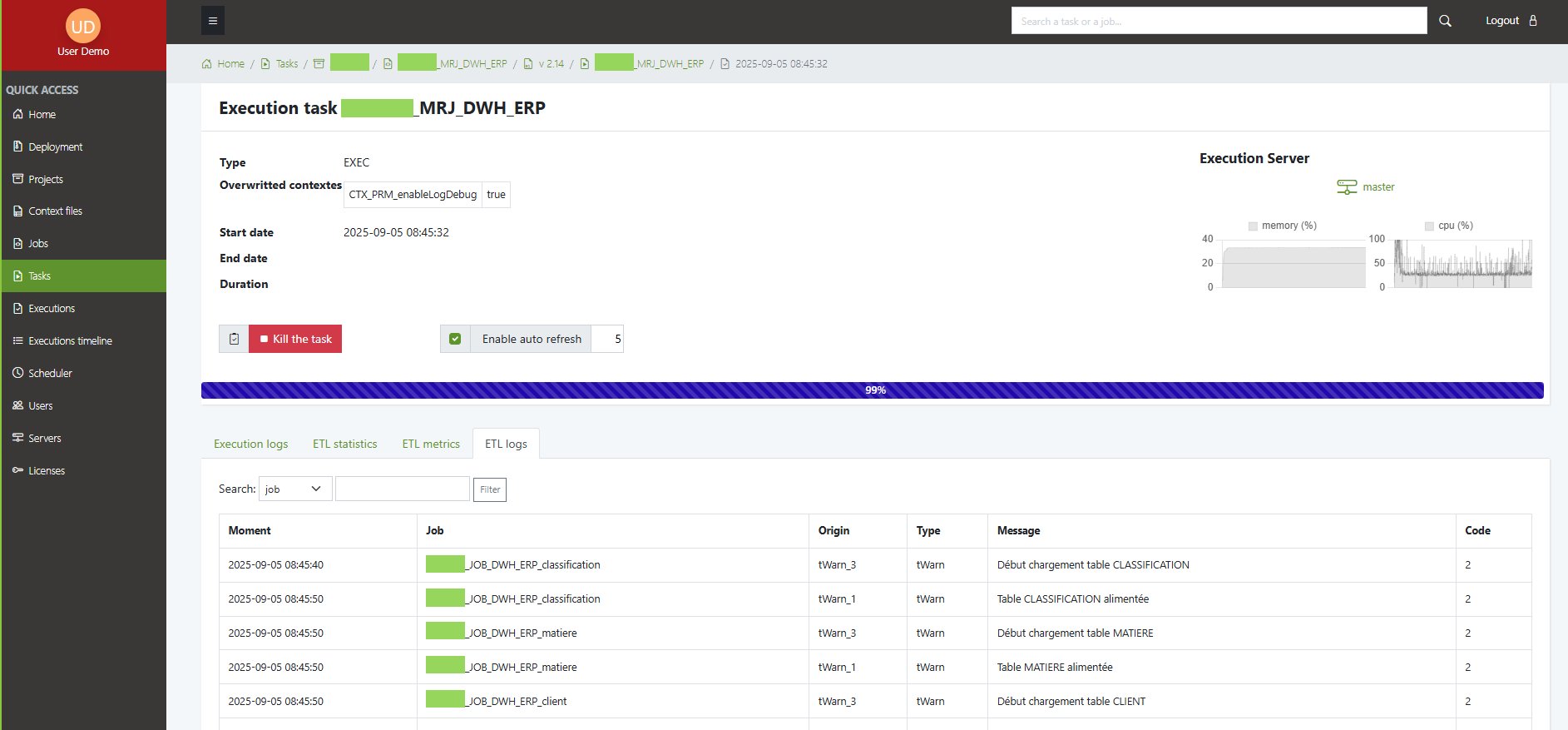
- ETL Statistics
One row per run with start/end times, status, duration, context, job, etc.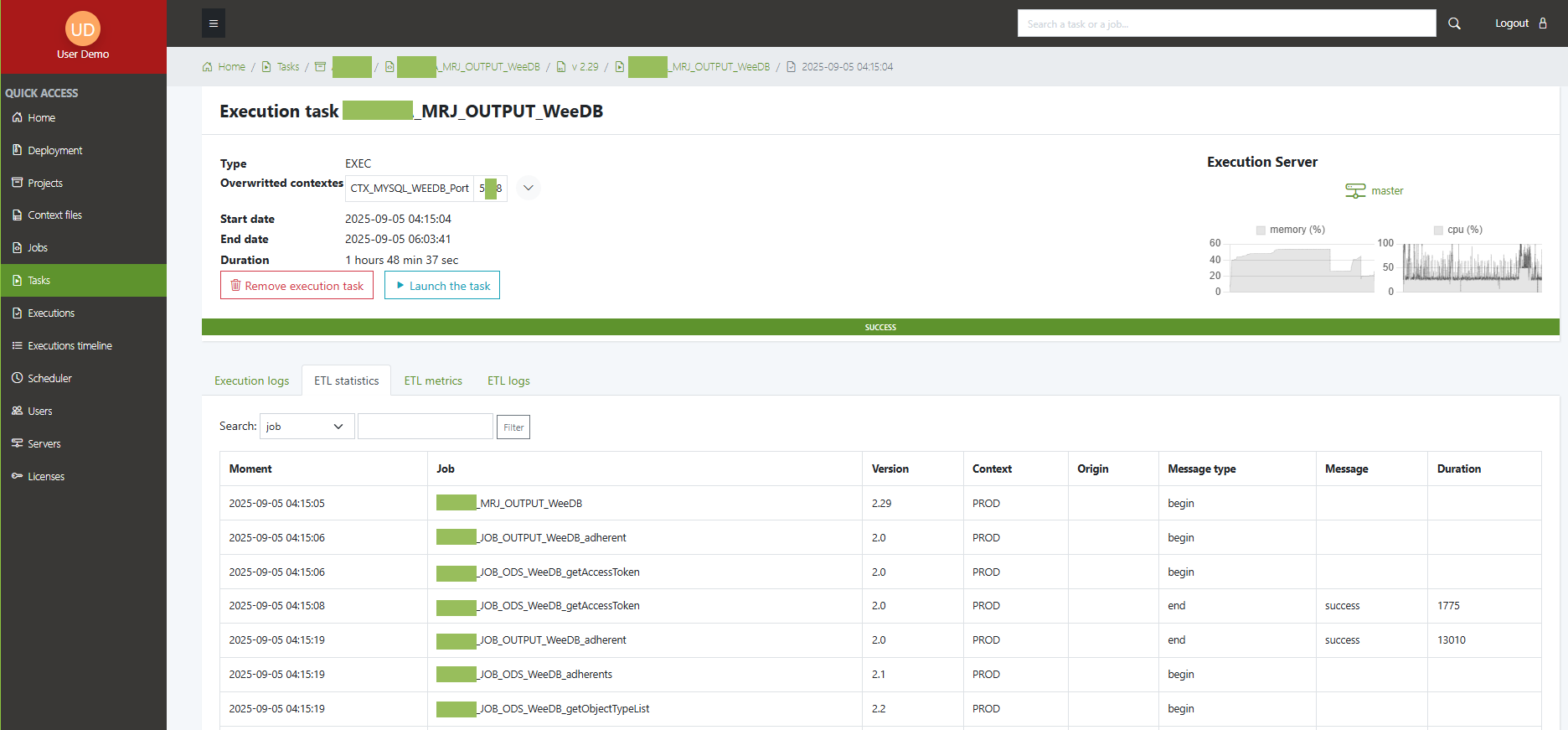
- ETL Metrics
Per-component counters (rows read/written/rejected, etc.).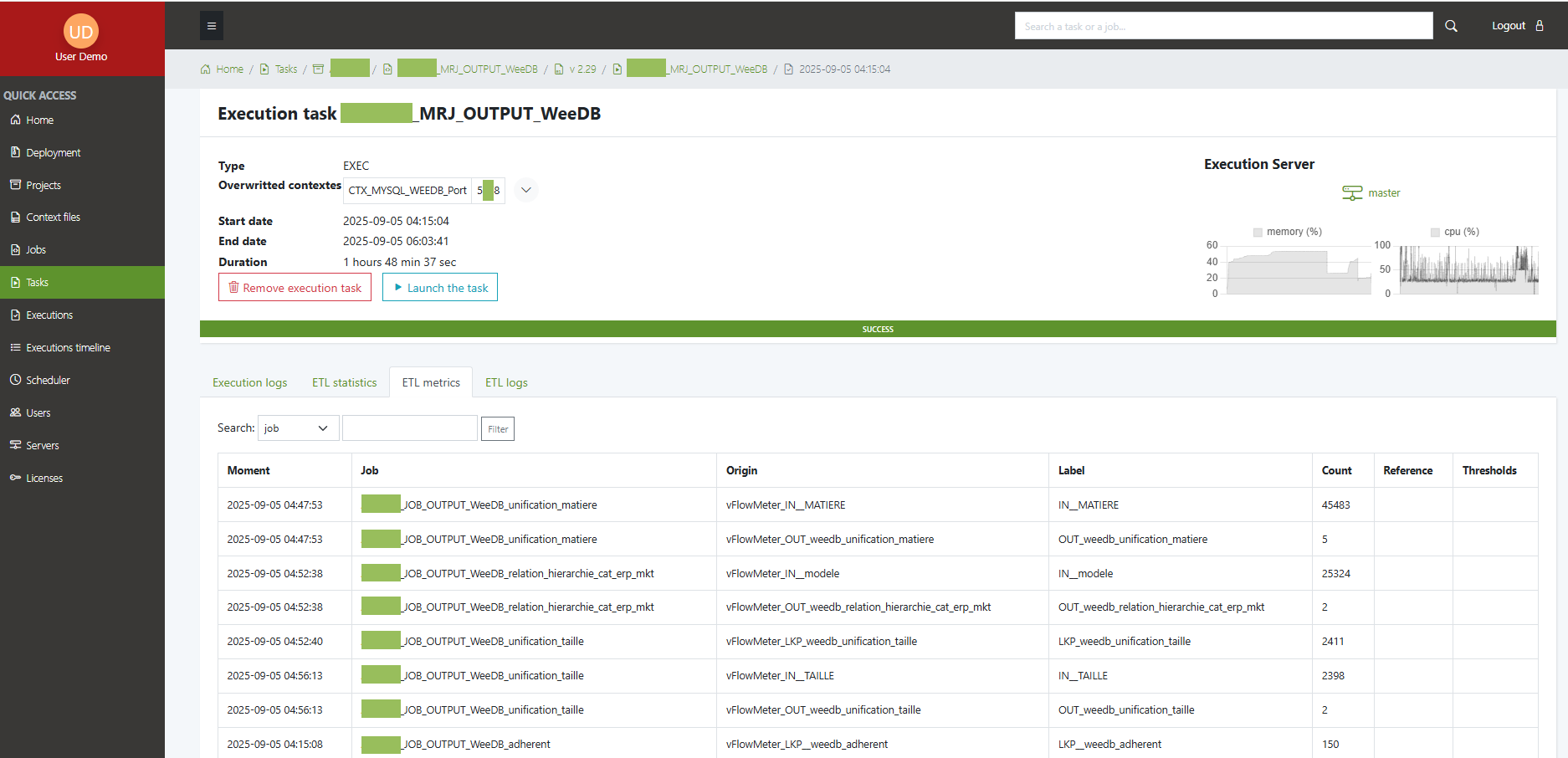
The ETL Logs / Statistics / Metrics tabs are populated only if ETL logging is enabled and your ETL studio writes to a database.
Enable ETL logs, statistics, and metrics
- Configure your ETL studio (Talend)
Go to: File → Project Settings → Job parameters → Stats & Logs, and select Database as the target. - Enable ETL logs in EAC (
.env.local)
APP_ENABLE_ETL_LOGS=true
- Provide the ETL logging DB connection
# Examples
# PostgreSQL
DATABASE_URL_ETL_LOG="postgresql://etl_user:pass@etl-db:5432/etl_logs?serverVersion=16&charset=utf8"
# MySQL/MariaDB
# DATABASE_URL_ETL_LOG="mysql://etl_user:pass@etl-db:3306/etl_logs?charset=utf8mb4"
# SQL Server
# DATABASE_URL_ETL_LOG="mssql://etl_user:pass@etl-db:1433/etl_logs?TrustServerCertificate=true"
# Oracle/sqlite also supported
- Declare ETL table names
ETL_STAT_TABLE_NAME=talend_stat
ETL_MET_TABLE_NAME=talend_met
ETL_LOG_TABLE_NAME=talend_log
- Correlate the ETL run with the EAC execution
In your main job, print the root PID once (e.g., in atJava):
System.out.println("@@eac@@root_pid=" + rootPid);
EAC uses this marker to join your console run with the ETL rows.
What goes where?
- Execution logs (tab 1):
- Queueing + path to
*_run.sh - PID and scheduler messages
- All console output from your job (stdout/stderr)
- Final SUCCESS/ERROR/WARNING marker
- Queueing + path to
- ETL tabs (tabs 2–4):
- Populated from the ETL logging DB via
DATABASE_URL_ETL_LOG - Logs = log4j lines; Statistics = per-run aggregates; Metrics = per-component counters
- Populated from the ETL logging DB via
Storage backend for tab 1 is defined by Task logs type (
fileordb). ETL tabs always read from the ETL logging database.
Best practices
- Keep console output actionable: prefer concise
System.out.println(...)/tLogRowfor key checkpoints. - Use log levels in Talend (log4j) for noise control.
- Redact secrets in both console and ETL logs.
- Retention: set up Purge jobs to keep history lean (see Purges page).


